The site, the Library and the apps share a design foundation across the web, iPhone, Mac, Watch and the browser extension. Each app's spec records its own components and any deliberate differences.
tokens 1.9.0
188 tokens
4 type families
6 public tools
CSS · React · SwiftUI
67 public tool differences on record
Edit
One folder
Everything lives in design/system/ of the GitHub repository tensorhaze-main. Change it on github.com, in any editor or with any agent.
Generate
One command
python3 design/system/sync-tokens.py writes the tokens for CSS, React and SwiftUI, the kit's token block and this page.
Apply
Every app follows
Each app has a spec in design/system/apps/ that lists where it differs, by file and line. Copies elsewhere are read-only mirrors.
Logo · version 1.1
A ring around a void
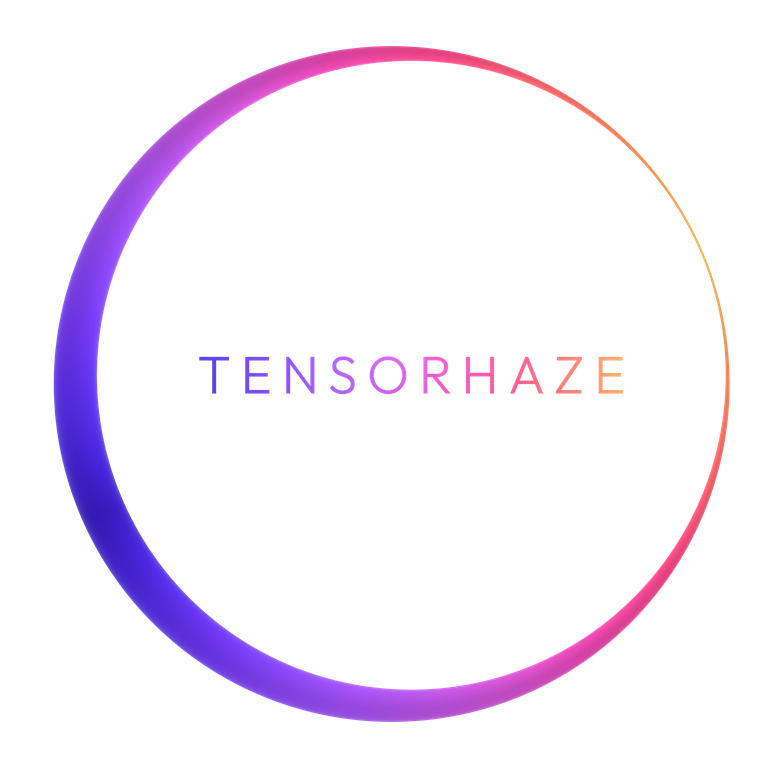
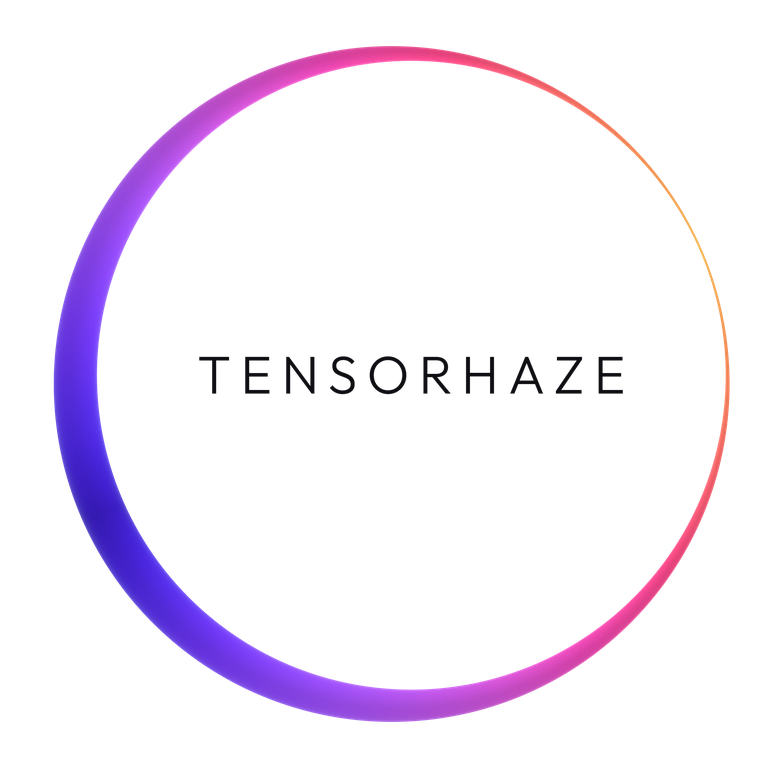
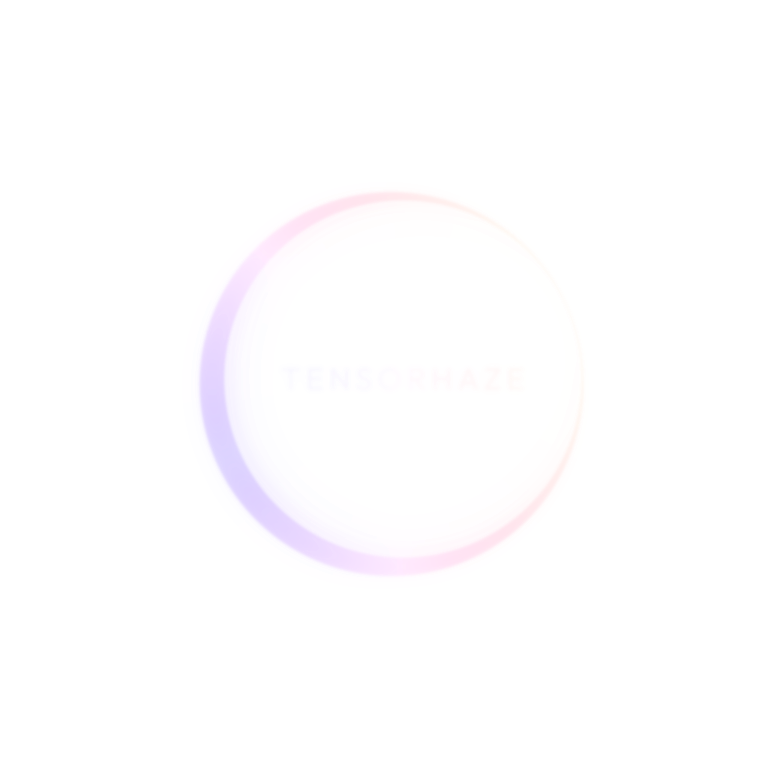
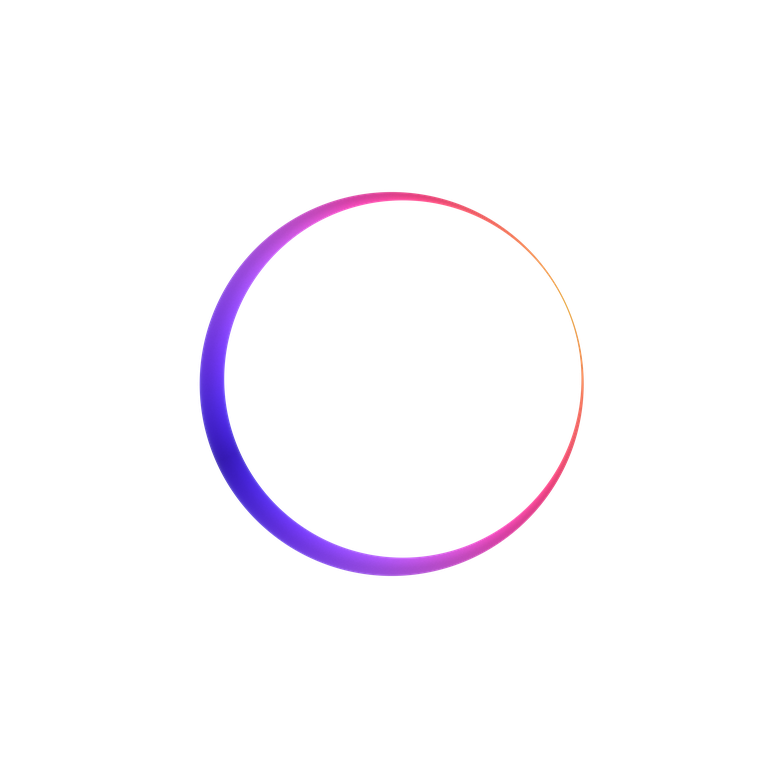
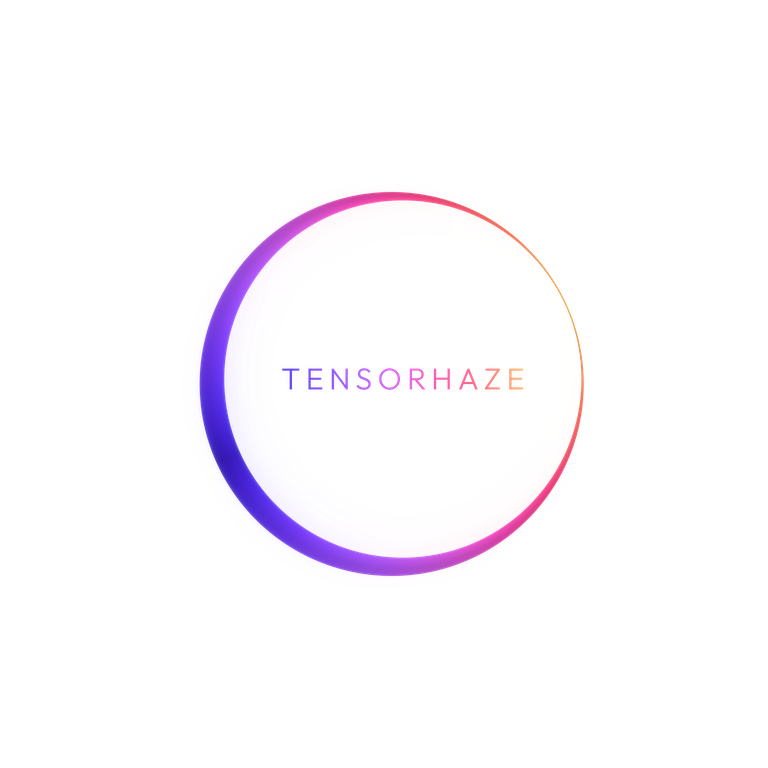
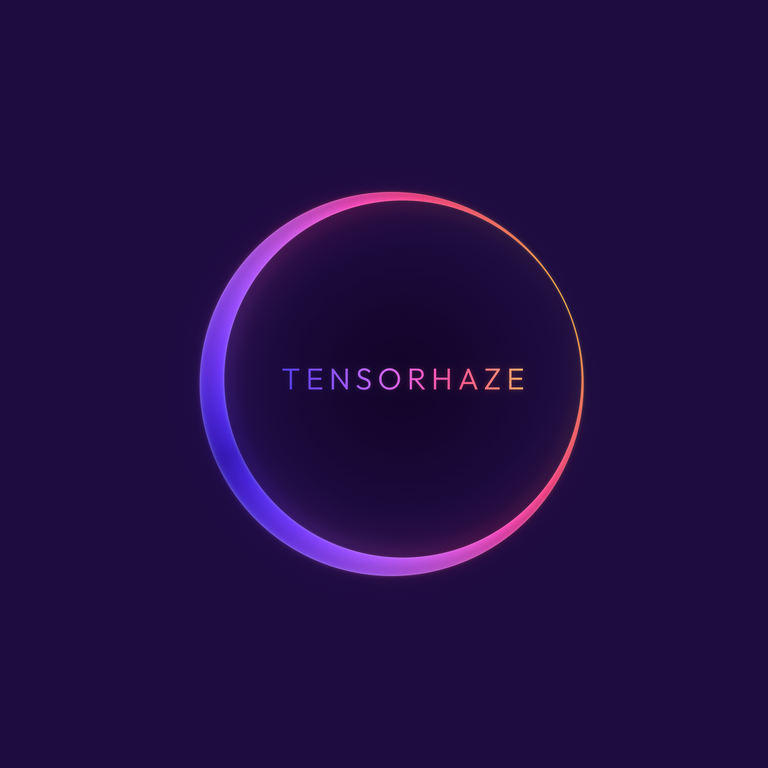
A photon-ring crescent, thick at the lower left and a hairline at the upper right, with TENSORHAZE inside the void. The crisp glass treatment is the current baseline; the first soft render is superseded. The mark remains open for refinement. Use the files in design/system/logo/; never redraw it.
Crisp glass variants
The ring retains its colours in every variant; only the wordmark changes. These are smaller previews of the recovered originals.
Gradient letters · supplied compositeWhite letters · dark groundsBlack letters · light groundsRing only · small sizes
Three layers
The composed glass combines glow, ring glass and matte wordmark. The crisp glow uses falloffs of 0.18%, 0.6% and 2.0% of canvas with weights 0.20, 0.06 and 0.02; inward light is 0.22. Wordmark glow gain is 0.10 and pale mix 3%. Ring silhouette sheen is 0.6×.
1 · Glow2 · Ring glass3 · Matte wordmarkCombined · original layers
Apple Music cover
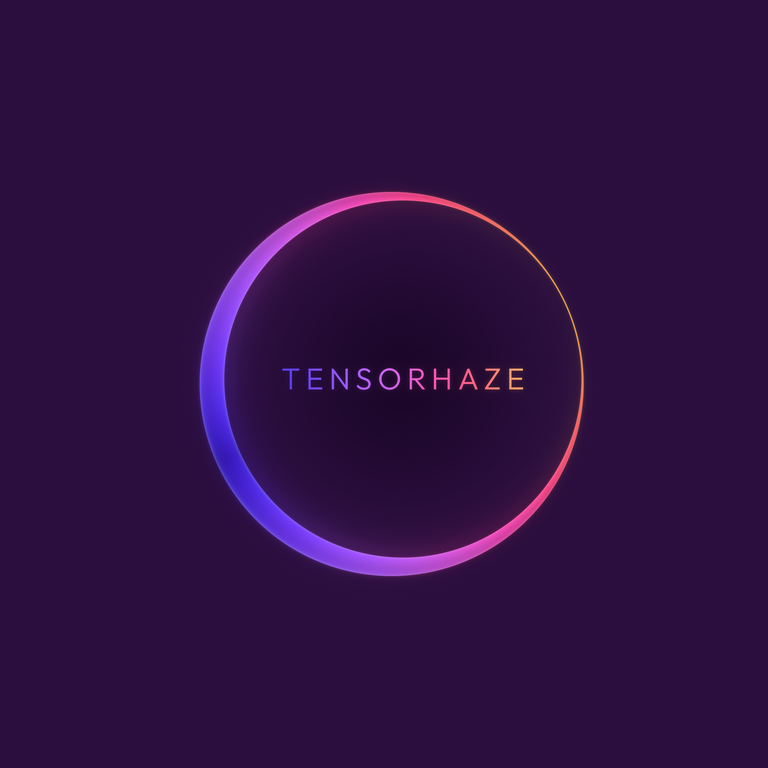
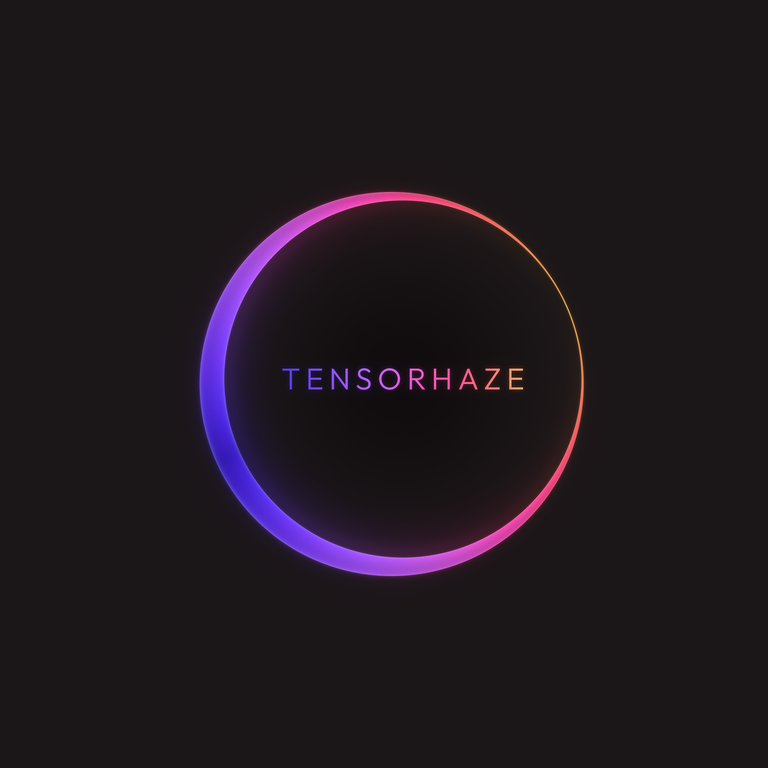
The original covers are 4096 px square, dark only, with flat-colour edges. Violet is the recommended reference; Plum and Graphite are alternatives.
Violet · #1E0B40Plum · #2B0E3EGraphite · #1B1618
Known platform limits: iOS 26 adds a thin rim and can tint the page around the artwork. In one Graphite screenshot the cover edge measured RGB 26, 22, 24, against 31, 26, 27 near and 34, 29, 30 farther away on the page. Lifted-edge candidates #1F1A1B, #221D1E and #252021 are pending on-device testing; no lift value is confirmed.
Flat vector variants
Primary: gradient letters on dark · logo/svg/tensorhaze-logo-on-dark.svgGradient letters · logo/svg/tensorhaze-logo-gradient.svgWhite letters, dark grounds · logo/svg/tensorhaze-logo-white-text.svgBlack letters, light grounds · logo/svg/tensorhaze-logo-on-light.svgRing only, small sizes · logo/svg/tensorhaze-ring-only.svg
Logo gradient
Thirteen anchors from deep royal violet to soft gold, in oklab. Only for the logo; it sits beside Spectral and does not replace it.
Logo--th-grad-logo · --th-logo-1 … 13
Use
Gradient letters on any ground, best on dark; black letters on light; white letters on dark; ring only below a 160 px ring (proposed). Clear space of 0.25 × ring radius (proposed). The glass renders stack three layers: glow, ring glass and matte wordmark. The Apple Music cover is dark only, on #1E0B40 with low glow. No sparkles, side spikes, inner highlight lines or hyperreal 3D. Full rules: design/system/logo/README.md.
Tool marks: how every tool logo is made
One construction for every tool, with Amethyst as the reference: an atmospheric tile in the tool’s hue, the tool’s mineral as a faceted solid under one key light from the upper left (-137°), one function glyph at stroke 70/1024 with round caps and a soft bloom, then grain. No text in a tile, one hue per tool, the mark always the brightest thing, contrast measured (median 3:1, 5th percentile 2:1). Basalt keeps its bookmark idea on a basalt column. Principle, generator and contrast check: design/system/icon/toolmarks/.
Amethyst· the reference
Basalt· redone
Timezones
Citrine
Redirector
GMarks
Colour
Chrome is ink
Depth is a step in luminance. Text, buttons and selection are ink. Spectral colour lives only in the matter: the film, particles, residue and plate rims.
Outfit for display from 24 px, weight 300 only from 56 px. Tensorhaze Sans, our own face, for UI and body. Geist Mono only for strings a person would copy. Literata for reading in the Library.
displayOutfit 300 · 56–88 pxStudies, tools and writing
display-smOutfit 400 · 36–55 pxA lab of one
chapterOutfit 400 · 40–76 pxEvent Horizon
sectionOutfit 400 · 30–44 pxWhere your data lives
titleOutfit 400 · 24 pxBasalt
bodyTensorhaze Sans 400 · 17 pxKeeps your bookmarks in a private tree, behind a passkey.
type-headingTensorhaze Sans 500 · 17 pxtype-heading
smallTensorhaze Sans 400 · 14 pxSign in with an invite key, then a passkey.
captionTensorhaze Sans 400 · 12 pxFacts as of 2 October 2026
labelTensorhaze Sans 500 · 12 pxTool 2 · Web · iOS beta
readLiterata 400 · 19 pxСправка: Прегабалин. A reference read in the Library.
Shape and gradients
Every control is a pill
Containers step down 40, 32, 24, 16 and stay concentric: an inner radius is the outer radius minus the inset. Nothing sits between 0 and 16 px. App tiles take 18.
Pill · 999Every controlSheet · 40Sheets, dialogs, framed heroCard · 32Cards and platesInner · 24Inside a cardMin · 16The floor
Gradients
One per screen, owned by the section. Wordmark and matter only.
SpectralHome
DopplerStudies
Cold ApproachTools
RedshiftWriting and Library
Photon RingSpecial moments
Components
The kit
The site uses site/kit/th.css; app screens add th-app.css. Every component is shown in site/kit/specimen.html. A few of them, live:
Controls
One filled primary per screen. Hover adds light. The focus ring is 2 px ink at a 3 px offset everywhere; press Tab to see it.
Status
A 16 px glyph and a word, always both. Solid for Live, a hollow ring for Invitation, a ring with one lit arc for In progress (static, it never spins), a ring with a small lock for Private.
Live
Invitation
In progress
Private
Switch, check and radio
Labels are sample text, not the tools' settings. One palette, ink on graphite: ink fill with a dark thumb or tick when on, an edge in the control line when off. The app accent appears once, as a dot in the thumb or a 2 px ring around the box. The same set in two app accents.
Redirector
Amethyst
Tab bar
A floating glass capsule, 64 px, radius 999, at most five tabs (Amethyst's five iPhone slots here). The current tab is a filled inner capsule at ink 10 % with the accent on icon and label. Above it, the Notes list: 24 px rows, 4 px apart, with a 3 by 16 accent pill on the selected one.
tensorhazeAmethyst
Notes
Lab meetingYesterday · 14 min
Reading notes: score matching2 Oct · 6 min
Ideas for Field Study29 Sep · 3 min
Interview: calling architecture25 Sep · 22 min
Walk, thinking about denoising21 Sep · 9 min
Group call, Friday18 Sep · 31 min
Sketch: the camera path14 Sep · 4 min
Reading list for October9 Sep · 2 min
Voice memo, train to the lab4 Sep · 1 min
App tiles
A 64 px squircle (radius 18) with the tool's own glyph, a rim tinted by its accent and a small status dot. The Storefront below uses the same tile.
Amethyst
Basalt
Timezones
Citrine
Redirector
Wordmark
TENSORHAZE in capitals, tracked 0.18 em. The compact wordmark (the header above, sign-in cards, app bars) is Outfit 400 at 24 px; the display wordmark is 400 at 36 to 55 px and 300 from 56 px. Ink on the page; the screen's own gradient on a hero or a cover.
tensorhazetensorhaze
Fields and toast
Moved 1 bookmark to Trash.
Site-wide language · 1.9.0
Seven rules every page shares
Ambience, glass, tool identity, reveal, the page rail, figures and text over media. Each has tokens; a page uses them and does not invent values.
a. Chapter ambience
A nebula wash on near-black behind each chapter: three radial-gradient stops, painted once, never animated, alpha at most .72. Seeds are indigo #312e81 and magenta #701a4d.
Home · Spectral--th-ambient-spectral
Studies · Doppler--th-ambient-doppler
Tools · Cold Approach--th-ambient-cold
Writing, Library · Redshift--th-ambient-redshift
b. Glass
Floating chrome only, at most two surfaces: the app tab bar and the Library filter dock, each on a ::before layer behind its controls. A 72 % tint, blur 22 px, saturate 180 %, a rim whose top-left edge is brighter, and no drop shadow: elevation is luminance. Solid in calm mode, reduced transparency, Save-Data and where backdrop-filter is missing. The header is a tint without blur, and the "On this page" pill is a plain opaque pill.
Search the Library · Filters
The rest, as rules
Rule
What it says
Tokens
c. Tool identity
The Home tool plate: a 32 px card, a visual well (24), a 48 px glyph tile at radius 16, an accent rim, a status chip with its word and one calm visual. Awake on hover, focus, press or when snapped into view: it rises 3 px (the one lift), the rim lights up around the pointer and the visual moves; press scales to .97.
Content fades up 12 px once when visible, on the decay curve, with no stagger on the kit pages. The index stagger (--i, 64 ms, six steps, 24 px) and the carousel (18 to 28 px, toward the direction of travel, no particles, no blur) are reserved. Reduced motion: a 160 ms crossfade.
A docked rail from 1100 px (224 px, numbered, a fill line and a dot, aria-current on the section in view); below that one sticky plain opaque pill, 44 px, that names the current section and opens the list as a sheet. No floating "All pages" button. This page uses it: resize it below 1100 px to see the pill. With no script the list stays open above the content.
--th-rail-w, --th-rail-pill-h
f. Figures
Hairlines 1.25 px, one lit path at 1.75 px in the screen's gradient, numbered 24 px callouts, labels never clipped, a still for calm mode.
The public tools are shown below, followed by the tracked GMarks app. Their specs record the rules and app-specific decisions for each surface and platform.
Amethyst
Tool 1
Turns speech into clean, readable text.
Platforms
Mac · iPhone · Watch · Web
Access
Invitation
Spec
design/system/apps/amethyst.md
13 differences on record · status in the spec · most visible
Three marks
Violet spread across chrome
Glass and shadows
Basalt
Tool 2
Bookmarks in nested folders, private behind a passkey.
Platforms
Web · iOS beta
Access
Private
Spec
design/system/apps/basalt.md
12 differences on record · status in the spec · most visible
Palette is not tensorhaze
Glass on header, sidebar, toast, chips and sheets
Phone header targets too small
GMarks
Tool 3
A research library for bookmarks, notes and shared collections.
Platforms
Web
Access
Invitation
Spec
design/system/apps/gmarks.md
7 differences on record · status in the spec · most visible
Weights above 500
Window title and brand
Radii
Timezones
Tool 4
Shows when every city on a call is in working hours.
Platforms
Web · installable
Access
Open
Spec
design/system/apps/timezones.md
11 differences on record · status in the spec · most visible
Fake weather shown as live
Old brand ships
Look is off-system: blue, orange and green chrome, light theme, SF/system fonts, 3 px blue focus
Citrine
Tool 5
Build presentations from scenes and share them as a web link instead of a file.
Platforms
Web · installable
Access
Invitation
Spec
design/system/apps/citrine.md
12 differences on record · status in the spec · most visible
The storefront Sign-in loops
Brand and footer links lead back into the tool, not to tensorhaze
Feature icons are fragments
Redirector
Tool 6
Short links on the lab's own domain, with a click count.
Platforms
Web
Access
Invitation
Spec
design/system/apps/redirector.md
12 differences on record · status in the spec · most visible
Storefront Sign-in loops
Brand and footer links lead back into the tool, not to tensorhaze
Feature icons are fragments
GMarks · tracked app
GMarks keeps links, notes and research in collections. It is part of the design system and has its own production components and live reference; it is not yet listed on the public tools pages. Its light and dark themes, Iris primary action, inner focus treatment and semantic colour roles are recorded app-specific decisions, not changes to the shared rules. See design/system/apps/gmarks.md for the current decisions and open questions.
The Well: physics simulationspolymathic-ai.org · redirects to a new address12 Sep
App frame: 40 px rows, selection shown by a rule and a check as well as fill, one filled primary.
Screens and states in context
The states an implementer needs beside the front door: what each tool shows when access is refused, the list is empty, something is deleted, filed, edited or offline. Every frame is labelled Sample; the sentences are placeholders unless the spec quotes them. Loading and progress: see Components, States.
tensorhaze
No access to Citrine
This account is signed in but is not on the list. Sample text: the real wording is the app's.
Access denied (Citrine, Redirector): signed in but not allowed. One primary, no blue button, no error colour. A sample; the app supplies its own sentence.
tensorhazeRedirector
Links
Sample
No links yet
Create one and its short address works at once.
Empty (Redirector): icon, one line of what is missing, one primary. Never a bare muted sentence.
tensorhazeRedirector
Links
Sample
docsPoints to example.com/docs14 clicks
labPoints to example.com/lab3 clicks
Link deleted. Its address now says “No such link”.
Delete with Undo (Redirector target; the app still uses a confirm box). The short word then answers “No such link”. Slugs and URLs are mono data.
tensorhazeBasalt
Inbox
Sample
Attention is all you needReading · same site as 4 in Reading
The Well: physics simulationsResearch · same site as 2 in Research
Inbox (Basalt, decided 16 Oct): a guess and its reason on every row; File and Choose folder are ghost; the one primary appears only when every row has a guess; filing is undoable.
tensorhazeAmethyst
Lab meeting
Sample
The plan is to ship the beta Friday, and QA runs the full suite over the weekend.
Editing
Temperature 0.2
Lower is stricter. Higher rewrites more freely.
Views of a take (Raw, Proofread, Polished, Prompt), the editing mode picker (Off, Proofread, Polish, Prompting) and the temperature slider (default 0.2), as the spec names them. Text is a sample pair from the spec.
tensorhazeTimezones
Compare
Sample
Offline
Showing the saved times. They live on this device, so nothing is lost.
LisbonSample city09:00
MumbaiSample city13:30
Offline (Timezones): a notice, then the same list. Timezones keeps everything on the device, so the sentence promises no sync.
Site pages and states
The pages the editor publishes into
The Studies, Tools and Writing indexes, the essay and Library record templates, the Library reader's top bar and the state pages. Each frame is built from kit parts the way site/ and the Worker use them. Entries are labelled samples; sentences that the templates fix are quoted.
Section index pages
Studies, Tools and Writing each open with a text hero and one list drawn from the published entries, in the order the editor sets. A section with nothing published shows an empty state, not a blank.
tensorhazeStudies
Studies
Studies
Projects from the lab, each with its sources, its limits and what is finished. Targets are labelled as targets; nothing here is presented as a measurement unless it was measured.
All studies
Study 01 · Sample topic
Sample study
One sentence from the study's card text.
In progress
Study 02 · Sample topic
Another sample
The line on the card, then the status as a dot and a word.
Planning
Studies index at /studies/: a text hero and one list of cards in the published order. Label, title, line and status chips; the whole card is the link. Home keeps its own Studies chapter.
tensorhazeWriting
Writing
Writing
Essays on how the lab's projects are built. Each one lists its sources and says what has not been measured.
Essays
Sample essay, newest first · The summary written in the editor.
An earlier sample essay · A second summary.
Writing index at /writing/: one row per published essay, newest first, with the date and the summary. The title is the link.
tensorhazeWriting
Writing
Writing
Essays on how the lab's projects are built. Each one lists its sources and says what has not been measured.
Essays
No essays are published yet.
Essays appear here once the lab approves them. The Library has long reads in the meantime.
Empty list (Writing; Studies and Tools have the same pattern with their own sentence): says what is missing and gives a next step. The sentences are the Worker's. Never a blank page.
tensorhazeTools
Tools
Tools
Small tools the lab builds and runs itself. Each page says what the tool does, where it runs, who can use it and how to get in.
All tools
Amethyst
One plain sentence about the tool.
Sample platformsInvitation
Timezones
One plain sentence about the tool.
Sample platformsOpen
Redirector
One plain sentence about the tool.
Sample platformsUnavailable now
Access
Open
Anyone can use the tool. No account.
Invitation
The tool has an account. You sign in with a passkey once the lab has invited you.
Private
The lab's own tool. The page describes it; there is no public account.
Tools index at /tools/: a plate per tool (icon, name, line, platforms, access chip) and the Access key, whose sentences are the template's. A service marked unavailable shows “Unavailable now” here and its own page drops the Open button.
Essay page
One template for essays, and for studies or tools made in the editor that have no designed page. The text is Markdown; the page adds the structure around it.
The summary written in the editor, one or two sentences.
Body text written in Markdown. Paragraphs, lists, tables and images from Media are the whole vocabulary.
A heading inside the essay
Facts are dated, and what has not been measured is said to be unmeasured.
Sources
A sample source, with a link.
A second sample source.
Facts as of 2 Nov 2026.
Essay page at /writing/<address>/ (site/writing/_article/): back link, dated eyebrow, title and summary, the text, Sources and the optional “Facts as of” line, then Previous and All writing. Studies and tools created in the editor use the same template.
Essay. It gets its publication date when you publish it. This is a draft that visitors cannot see. Links to other pages show the published site.
Writing · Draft
Sample draft title
The summary, as saved.
The same page opened from Preview or a private link: a notice under the back link (th-gated, a label and a sentence), “Draft” in place of the date, noindex and no caching. A visitor to an unpublished address gets the Not available page below.
Library record page
The catalogue card, the search results and any shared link point here. The reader opens from it and does not replace it.
Library record page at /library/<address>/ (site/library/_record/): a stable address for one record. Facts, Contents for a course, Files for downloads, and More in the Library; Read or Open course goes to the reader. Rights rows appear only when recorded.
Free with a ChatGPT account. The lab sees only that you signed in.
About this record
Kind
Course
Topic
Sample topic
Languages
English, Russian
Length
5 chapters
Access
Sign in with ChatGPT to read the text
Rights and sources
Not yet recorded by the lab
Contents
First chapter
Second chapter
Third chapter
Signed-in-only record, seen signed out (access: signin): the primary becomes Sign in to read with its note, the Access row says why, and the Files section is withheld until signed in. Records with no rights recorded say “Not yet recorded by the lab”.
Library reader: chapter navigation in the top bar
Previous and next chapter no longer need Contents or the end of the page.
tensorhazeLibrary
Sample course · Chapter 2 of 5
Chapter 2
Sample chapter title
Reading text in the Library's serif, at the size the reader chose with A− and A+.
Reader top bar, middle chapter of a course: Back, the place, the language switch, then Previous and Next chapter, Contents and the text size pair. The labels name the target (“Next chapter: 3”). The two chapter buttons appear only for a course of more than one chapter.
tensorhazeLibrary
Sample course · Chapter 1 of 5
Chapter 1
Sample chapter title
Reading text in the Library's serif, at the size the reader chose with A− and A+.
First chapter: Previous is disabled and Next stays; the last chapter mirrors this. A single text has no chapters, so the pair is hidden. Chapter navigation also stays at the end of a chapter and in Contents. Drawn from kit pills and circles to show order and states; the reader's own styles are in concepts/src/library/reader.src.js.
State pages
One template, site/state/, filled by the Worker with an eyebrow, a title, a sentence and one or two pills. The statuses are real HTTP statuses, so crawlers and checkers see them.
tensorhazetensorhaze
404
Page not found.
The link may be old or mistyped. Try one of the sections below.
Sections
Studies
Tools
Library
Writing
About
Not found (site/404.html, status 404): one primary and the five sections, each with a one-line description in the page (omitted here).
tensorhazetensorhaze
Not available
This page is not available.
It may have been unpublished or moved. Everything that is published is listed in its section.
Not available (site/state/, status 404): an unpublished or archived entry. The primary goes back to its section (All studies, All tools, All writing or The Library). Never reveals whether the entry exists as a draft.
tensorhazetensorhaze
Preview
This preview link has expired or was withdrawn.
Ask the person who shared it for a new link. Published pages are on the site as usual.
Expired preview (status 404): a private link that ran out or was withdrawn. Preview pages are noindex and never cached.
tensorhazetensorhaze
Something went wrong
This page could not be shown.
The lab has been told through its logs. Try again in a minute; the rest of the site may still work.
Server error (status 500): plain words, one primary, no error colour and no stack. The sign-in, access-denied and no-owner gates use the same template; they are drawn under Owner admin.
Owner admin
The editor is a th-app
The editor at /admin/ is the kit's app frame (th-app.css) plus a small stylesheet of its own (admin/app.css). Every screen is drawn here from kit parts with the system's rules applied: status as a dot and a word, the 40 / 32 / 24 / 16 radii, one filled primary, ink chrome. The running admin follows these rules; the three departures found in the first audit are closed and listed, with their evidence, under Known exceptions.
Overview
The first screen: what needs a decision, what failed, what is live.
Overview: what is waiting (unpublished changes, repository updates, files not approved), failed requests, what is live, release and storage, recent activity. Setup problems (no owner, database or storage not connected) show as notices above the cards. The side menu becomes a scrolling row of tabs below 900 px.
Content lists
One list per content type, the same columns everywhere.
tensorhazeAdmin
Writing
Sample
Title
Status
Last saved
Actions
Sample essay
/sample-essay
Live
Changes not published
2 Nov, 10:14
owner@example.com
An unfinished sample
/an-unfinished-sample
Draft
1 Nov, 16:02
owner@example.com
A repository essay
/a-repository-essay
Live
Repository update
repository version
Content list (Writing, Studies, Tools, Library, Page text): title and address, status as a dot and a word, last saved and by whom, Edit. New is the one filled primary. An empty list says “Nothing here yet” with what to do next.
Editor, status bar and repository update
Long forms with a sticky status bar. The bar carries the save state in words; Save, Preview and Publish sit beside it.
tensorhazeAdmin
Sample essay
Sample
Live
Changes not published
Repository update
Live at /writing/sample-essay/ · All writing
Saved draft revision 4 · visitors still see revision 3
The repository has a newer version
This item changed in the code repository after you started editing it here. The site keeps showing your version.
Editor with its status bar and a repository-update conflict. Chips beside the title say where the item stands; the bar says what is saved. Save draft stays ghost until there is something to save, then takes the one filled primary; Publish takes it again once everything is saved. The conflict notice offers Compare, Use the repository version as a draft, or Keep mine, and the site keeps showing the owner's version meanwhile.
tensorhazeAdmin
Editor
Sample
Status bar: every state
Unsaved changes
Saving…
Saved · live as revision 3
Saved draft revision 2 · not public
Repository version · not edited here yet
Not saved: the reason given by the server.
Not published: the reason. Visitors see what they saw before.
The words are the admin's own. The dot carries the state with the word, not colour: solid when live, a ring while it waits, a lock when blocked.
Status bar wording, quoted from the running editor. Errors keep the page usable: the text stays in the form and the failed request changes nothing.
Media library
Uploads wait for approval; approval needs alternative text and a credit.
tensorhazeAdmin
Media
Sample
sample-upload.pngUploaded. Pending approval. Describe and approve
Imagesample-cover.webp
Approved
Used by 2
Imagesample-diagram.png
Pending
PDFsample-file.pdf
Approved
Imagesample-rejected.jpg
Rejected
Media library: a drop zone (a native file input underneath, so the keyboard works), the upload list with each file's result, then every file with its approval and where it is used. Visitors see a file only when it is approved and used by published content.
Visitors see a file only when it is approved and used by published content. Rejected and pending files stay private.
Delete
This file is in use, so it cannot be deleted. Remove it from the items above first, or replace it.
Media item: description and provenance (alternative text and credit are required before an image can be approved), approval, where it is used, replace with a new version, earlier versions, and delete. A file in use cannot be deleted.
History and compare
Every save and publication is a revision. Comparing shows what restoring would change.
Compared with the current draft (revision 4): what restoring would change.
Removed: the sentence that revision 4 added.
Added back: the sentence revision 3 had.
History and compare: each saved revision with its kind, time and author; Compare opens the difference from the current draft in a dialog, and the one primary restores it as the draft (a new revision, not a rewrite). Removed and added text are marked with strike-through and underline as well as words. Restoring never publishes.
Backup and restore
The recovery tools, in the order a person needs them.
tensorhazeAdmin
Backup and restore
Sample
Download a backup
A backup holds every item and its full history, the Library texts, the media descriptions and version records, and the editors. Uploaded files stay in storage and are listed with their checksums; they are not inside the backup file.
Restore a backup
Every item returns to the text and the state it had in the backup. Nothing is deleted: the restored content becomes new revisions, so the current version stays in History. Items created after the backup are unpublished.
Backup from 1 Nov, 18:00. 2 items would change:
writing:sample-essayupdate · becomes live
study:sample-studyupdate · becomes draft
Back up uploaded files
Save a separate archive of recorded file versions, including deleted files. This does not replace the content backup or include its history. Recovery requires matching content metadata; large metadata restores can exceed the current limit for a content restore. The archive is not encrypted; keep it private. Do not edit media while it is being saved.
Sample status: 14 file versions prepared, 6.2 MB.
Restore file records
Choose the separate content backup to restore missing file records in small batches. This does not restore content or file bytes. Existing records are never overwritten. Restored records may become visible as each batch finishes.
Restore file bytes
After matching file records are in place, choose the file archive. Existing bytes will not be overwritten.
What else can be recovered
One item
Open it, then History: restore any earlier revision as the draft and publish it.
A file
Media keeps every version of a replaced file; deleted files can be brought back. After a storage loss, the file archive above restores records first, then bytes.
Backup and restore: download is open to every editor; restore is the owner's (an editor sees “Only the owner can restore a backup.”). Restore always shows a dry run first, lists what would change, and only then offers the button; the result is new revisions, so the current text stays in History. (Both buttons are filled here only because each is the primary of its card.) The uploaded-file card is owner-only for restore (an editor sees “Only the owner can restore files.”); restore buttons stay disabled until a file is chosen; the archive is unencrypted, so it is kept private.
Editors
Who else can sign in. Owner only.
tensorhazeAdmin
Editors
Sample
Who can edit
The owner account is set in the Sites environment and is not listed here. Editors you add can edit, publish and upload; only the owner changes site settings, editors and restores backups.
editor@example.comadded 1 Nov by owner@example.com
Add an editor
Editors (owner only): the people the owner has added, each with Remove, and one form to add an email. With none added the card says “No other editors. This is a one-person setup.”
Sign-in and access-denied gates
The editor never shows a blank or a half-built screen to someone who cannot use it. These are the state template with the eyebrow “Admin”.
tensorhazetensorhaze
Admin
Sign in to manage the site.
The editor is for the owner of tensorhaze. Sign in with the ChatGPT account the owner registered for the site.
Sign-in gate (status 401): shown in place of /admin/ to a visitor who is not signed in. One primary; it returns to the page asked for.
tensorhazetensorhaze
Admin
This account cannot manage the site.
You are signed in as someone@example.com (account id sample). Only the owner and the editors the owner added can use the editor. If this is your site, the owner setting in Sites must name this account; otherwise sign out and sign in with the account you registered.
Access denied (status 403): signed in but not on the list. It names the account so the owner can add it, and offers Sign out and switch account.
tensorhazetensorhaze
Admin
The editor has no owner yet.
No owner account is configured for this site, so nobody can manage it. You are signed in as someone@example.com (account id sample). The owner sets the account id in the Sites environment settings (docs/ADMIN.md, “Owner access”).
No owner configured (status 403): the editor stays closed to everyone until the owner is set, including the person who just signed in. No primary: the only way forward is outside the page.
Known exceptions
The running admin (admin/) once departed from the system in three places. All three are closed: the admin now follows the rules in the left column, and tests/e2e/admin-ui.cjs fails if any of them returns. They stay listed, with the evidence, so nobody reopens them in a new screen. History: design/system/exceptions.md section 6.
Rule
Status
Evidence
Status is a dot and a word, never red, amber or green
Closed. The editor status line and the warning blocks use the kit chip (a shape and a word) with no red, amber or green dot.
tests/e2e/admin-ui.cjs, status indicators are kit chips
Radii are 40 / 32 / 24 / 16, nothing between 0 and 16
Closed. Every rule in admin/app.css takes a radius token; the former 8, 10 and 12 px rules (media thumbnail, revision diff block, media picker buttons, media field preview) now use --th-r-min.
tests/e2e/admin-ui.cjs, every computed border-radius is a kit radius token, at 390 and 1440 px
No browser confirm, alert or prompt dialogs
Closed. Leaving the editor or a media item with unsaved changes asks in the kit's in-page dialog, like every other confirmation: focus moves in, the safe choice has focus, Tab stays inside, Escape and Cancel close it and return focus to the control that opened it. Undo after the action remains the preferred pattern where an action can be undone.
tests/e2e/admin-ui.cjs, native dialogs are stubbed to fail the run; dialog focus, keyboard and phone touch-target checks
Account · drawn 16 Nov 2026
One passkey, every tool
The account pages every tool shares: the sign-in hub that fronts the apps and the profile a person manages there. They are the system's drawing of these screens, built from kit parts only; no running page matches them yet, so each frame is labelled Sample. Where they will live (the hub at /services/admin/ today) is for the owner to confirm.
Sign-in hub
One sign-in for the whole family. After it, the hub shows the tools this account can open; a tool that is not open to the account says why in a word, never a disabled button.
Hub sign-in: the wordmark, one passkey primary, Invite key and Recover as ghost, the return path. No tool is named, because the hub serves all of them.
tensorhazeYour tools
Your tools
Sample
AmethystSigned in
BasaltSigned in
TimezonesPublic
CitrineInvitation
RedirectorNo access
Redirector is by invitation.
The launcher: each tool as its 64 px tile with its one accent, then its name and its access as dot and word (Signed in, Public, Invitation, No access). A tile opens the tool in the same tab.
Profile
What a person can see and change about their own account. One filled primary (Save); everything that removes something is a ghost button that opens a dialog naming exactly what goes.
tensorhazeAccount
Profile
Sample
You
Passkeys
MacBook ProiCloud Keychain · added 2 Oct
iPhoneiCloud Keychain · last used today
The last passkey cannot be removed; add another first.
Signed in
This browserSafari on macOS · now
Basalt on iPhonethe app · 3 h ago
Your data
Each tool keeps its own data. Export gives one file per tool; deleting the account removes all of it after 30 days, and a sign-in within those 30 days cancels it.
Profile at desktop width; on a phone the four cards stack in the same order. Save states its result in words in the status line; Remove, Sign out and Delete account each follow the dialog rule (the dialog names the thing and the consequence, the destructive word is the dialog’s one primary, and a toast offers Undo where undo is possible).
Rules to check
Before anything ships
The mistakes that recur. The full rules are in design/system/README.md.
Chrome is ink; apps add one accent. No coloured buttons, links or labels. Inside an app, its one accent marks only selected and active states.
Motion settles. Springs and decay curves, transform and opacity only, time-based, stopped at rest; reduced motion crossfades.
Nothing under 12 px. Small text is ink-2.
Outfit from 24 px, 300 only from 56 px, never above 500. Tensorhaze Sans below 24 px.
Pills and 40 / 32 / 24 / 16. No radius between 0 and 16, children concentric.
One filled primary, one gradient, one wide shadow per screen. Glass only on the tab bar and the Library dock, never on content.
The focus ring is never removed: 2 px ink at a 3 px offset.
Status is a dot and a word. No red, amber or green that carries meaning alone.
Undo before confirm. A toast with Undo after a delete; no browser confirm or prompt dialogs.
Nothing loops, reduced motion is honoured, content is never hidden before scripts run.
"tensorhaze", one word, lowercase in running text; the wordmark is TENSORHAZE in capitals. No "negativezero" in visible text. Copy states facts and never explains the metaphor.
Home and copies
Where it lives
One place is edited. Everything else is a mirror, updated after a change, or history.
Where
What
Role
GitHub · design/system/
Rules, tokens, app specs, this page, the agent prompt


 Amethyst
 Basalt
 Timezones
 Citrine
 Redirector
 GMarks